
|
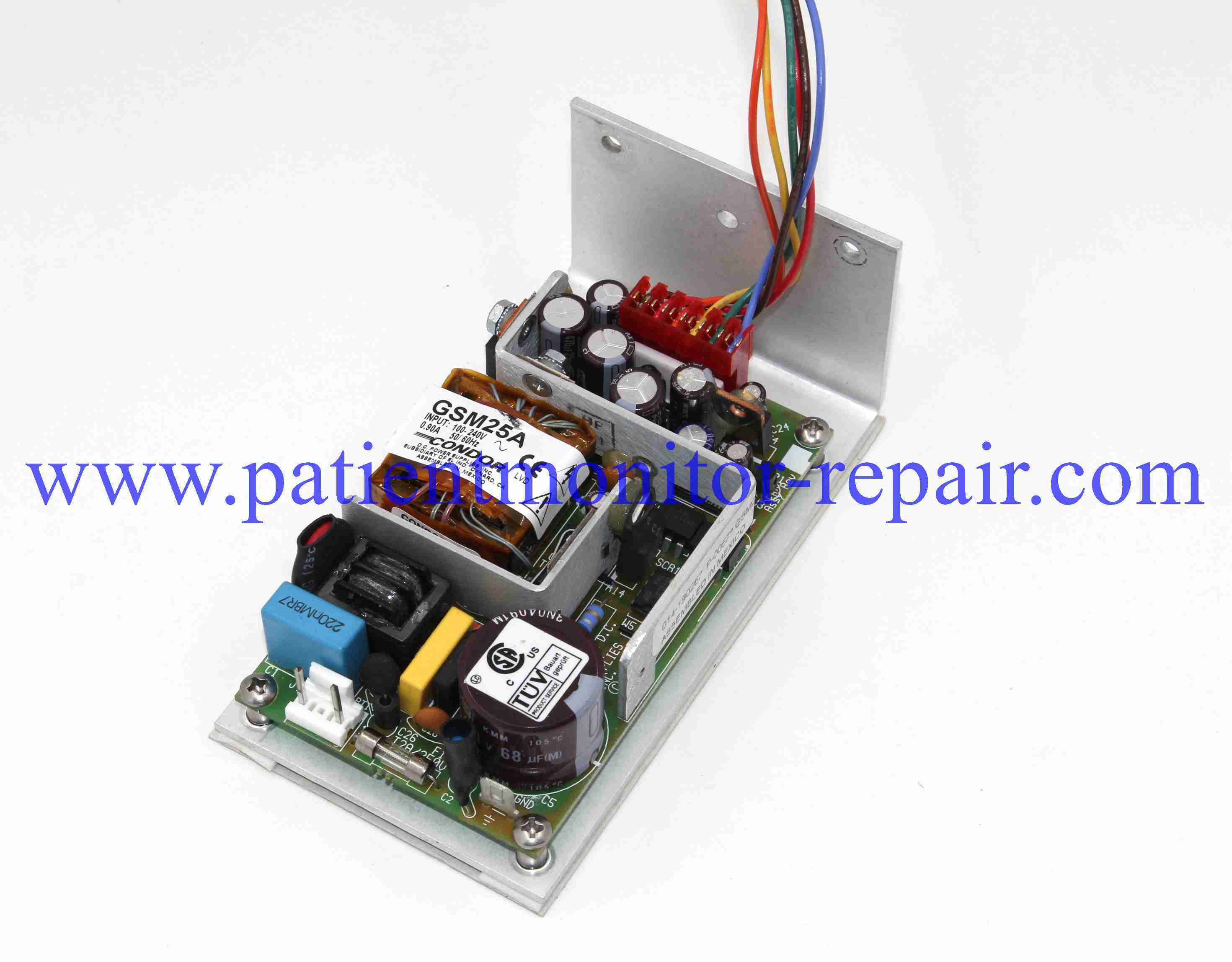
Product Details:
|
|
| Brand Name: | Medtronice |
|---|---|
| Model Number: | XOMED XPS3000 |
|
Payment & Shipping Terms:
|
|
| Minimum Order Quantity: | 1 |
| Price: | Negotation |
| Packaging Details: | Carton Packing |
| Delivery Time: | 1-3 Working Days |
| Payment Terms: | T/T, Western Union, PayPal |
| Supply Ability: | 1-20 Pieces |
|
Detail Information |
|||
| Payment: | T/T, Western Union Or Paypal | In Stock: | Yes |
|---|---|---|---|
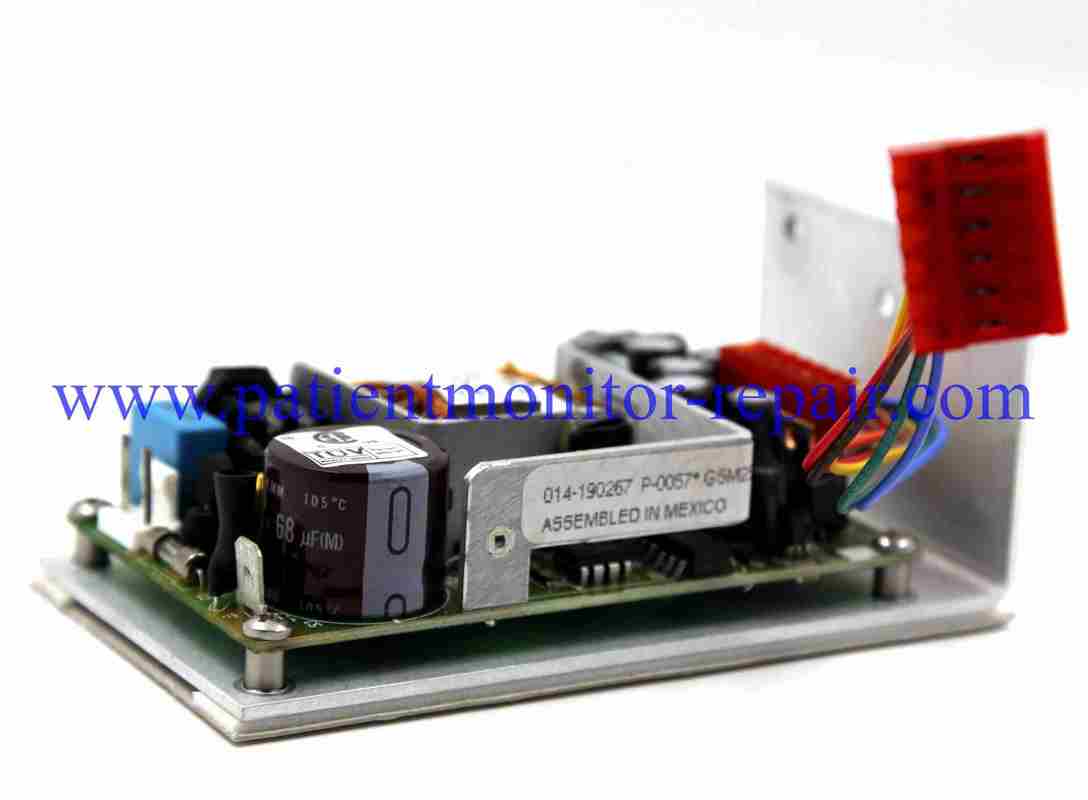
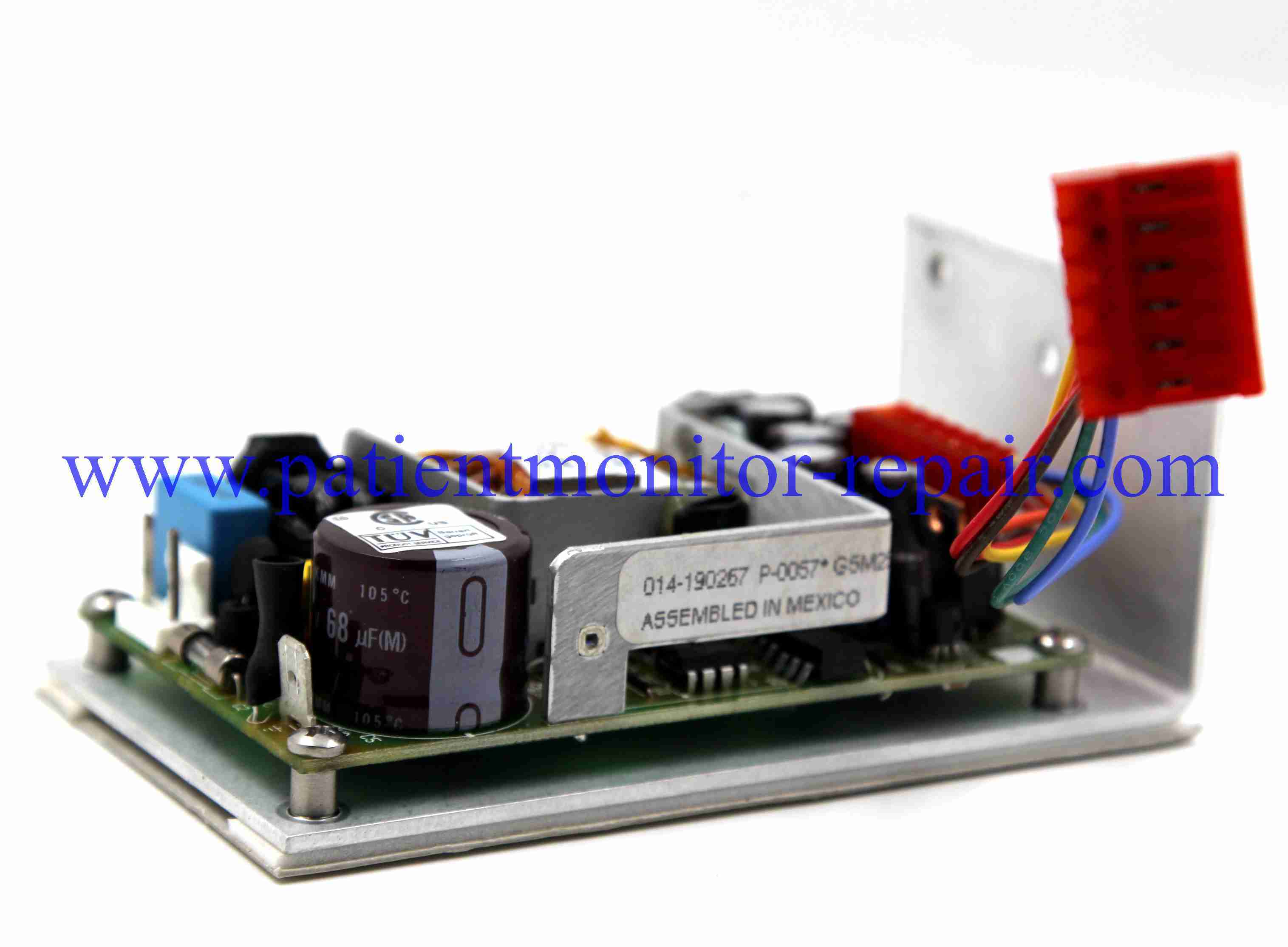
| Delivery: | Within 1-3 Work Days After Payment | Product: | Power Panel |
| Ship Time: | 1-3 Business Days After Payment | Transportations: | DHL, EMS, UPS, FEDEX... |
| Mdl: | XOMED XPS3000 | Compatible: | Power System |
| Highlight: | Medtronice XOMED XPS3000 power supply,patient monitor power system,XPS3000 power supply board |
||
Product Description
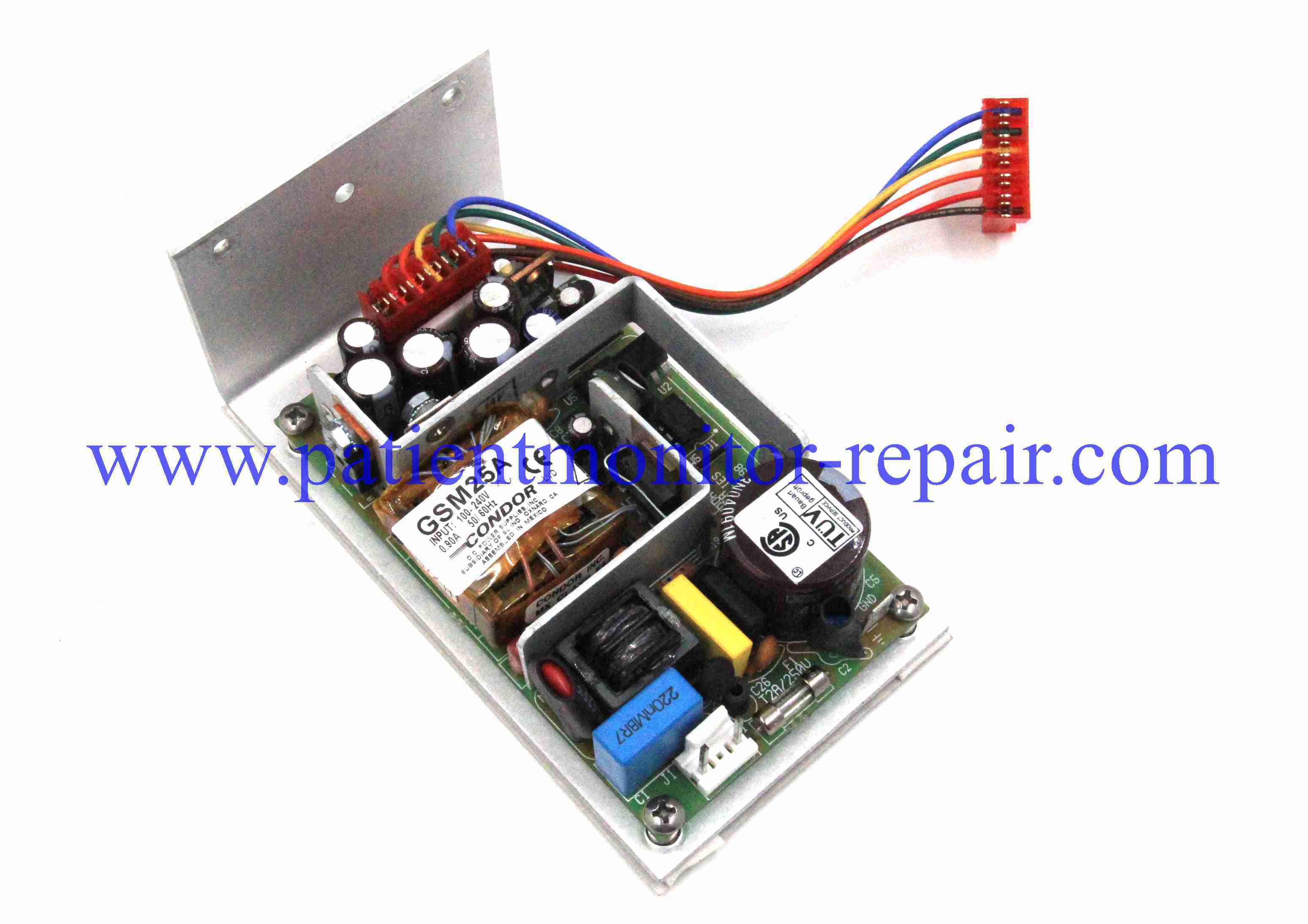
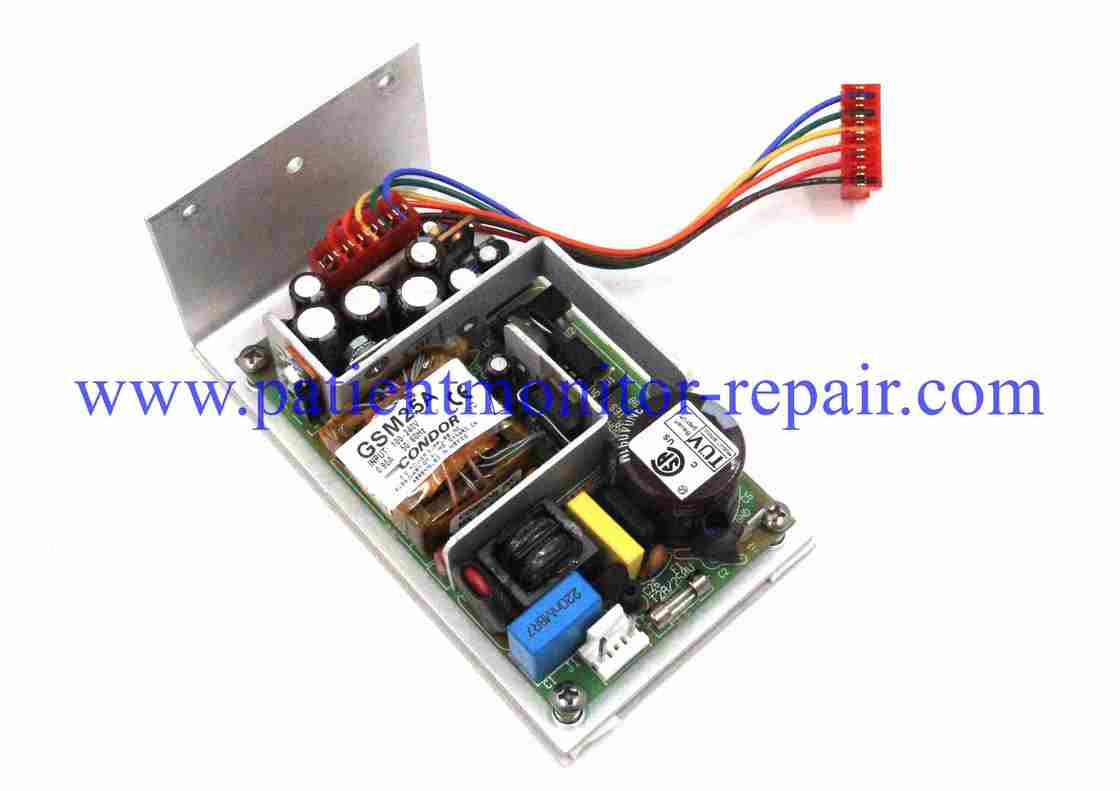
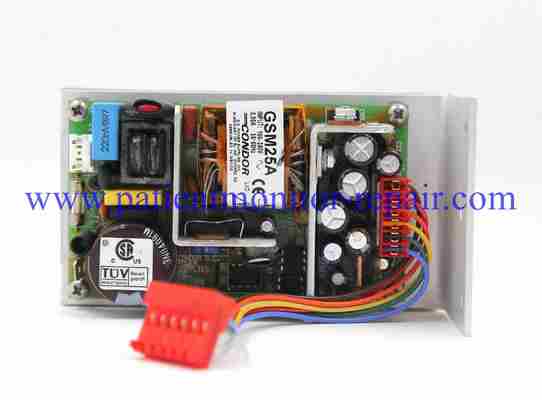
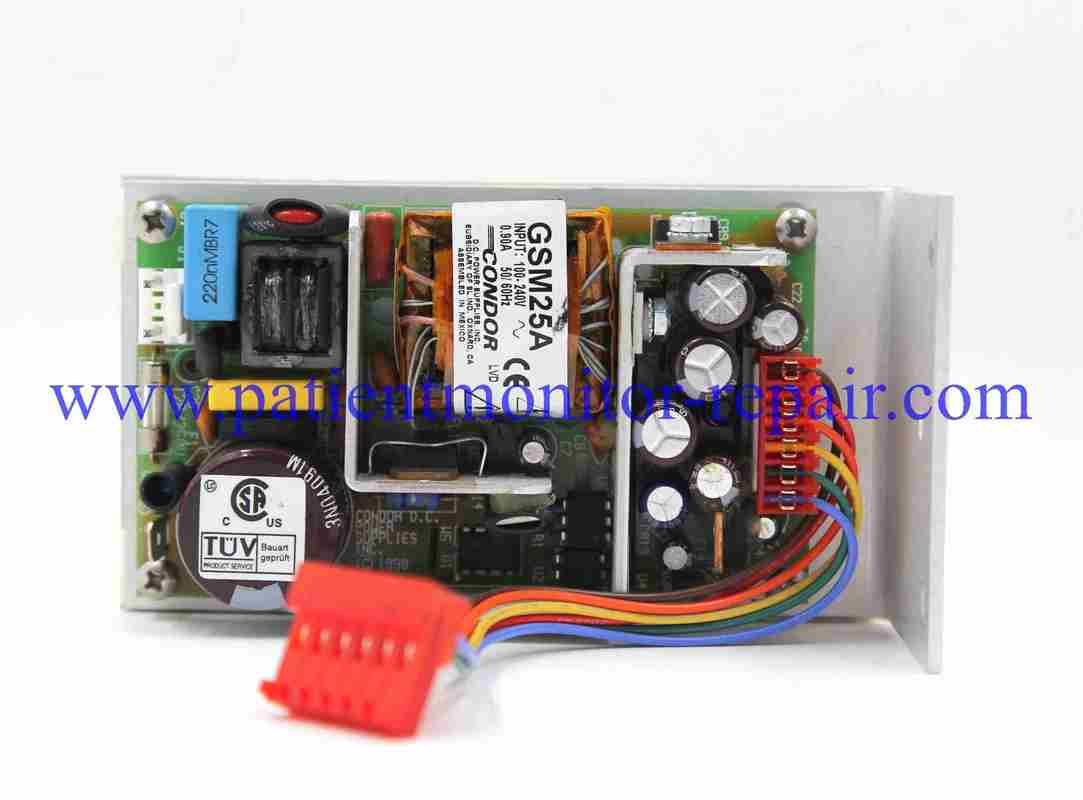
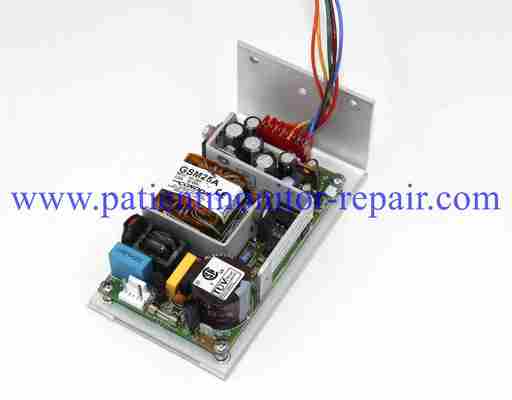
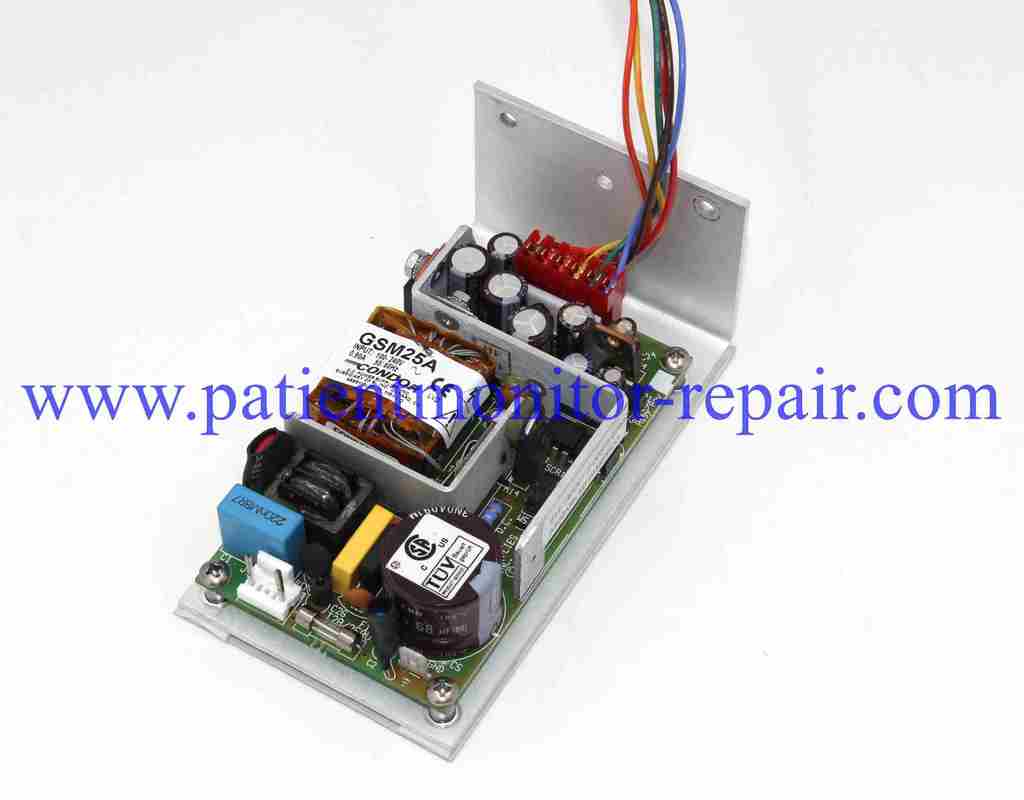
Typical Features of a Medical Power Supply Board
General Precautions for Medical Power Supply Boards
![]()
![]()
Stable and Regulated Power Delivery: It is designed to provide extremely stable, clean, and regulated power to the main console. This is critical for the precise operation of connected surgical tools, such as drills and shavers, ensuring consistent performance regardless of load fluctuations.
High Efficiency: These power supplies often feature high efficiency ratings (e.g., 90% or higher) to minimize heat generation and energy loss within the console, contributing to the system's overall reliability and longevity.
Comprehensive Protection Circuits: To ensure patient and user safety, it incorporates multiple built-in protection features. These typically include Over-Current Protection (OCP), Over-Voltage Protection (OVP), Over-Temperature Protection (OTP), and Short-Circuit Protection (SCP).
Medical-Grade Safety Standards: The board complies with stringent medical safety standards (such as IEC 60601-1). This ensures it meets requirements for electrical isolation, leakage current, and overall safety for use in a surgical environment.
Reliability and Redundancy: Designed for the high-reliability demands of the operating room, its components are selected for durability. Some designs may also incorporate redundant features to maintain system functionality even if a single component fails.
Power On Sequence & Pre-use Check: Always follow the recommended startup sequence, which may involve turning on ancillary systems like cooling first . Before applying full power, ensure all settings are at a safe default (e.g., reference set to zero) and check that no fault or interlock indicators are active .
High Voltage Awareness: Be aware that the internal components may be exposed to high voltages (e.g., 480V as mentioned in one manual) . Never open the covers or touch internal parts while the unit is powered on, as this poses a severe risk of electric shock .
Ensure Proper Grounding and Use Correct Power Cables: The equipment must be properly grounded using a compliant power outlet to prevent electric shock . Always use the power cord provided by the manufacturer or a certified replacement to avoid fire hazards .
Adequate Ventilation and Clearance: Install and operate the power supply in a well-ventilated area, ensuring that air intakes and exhausts are not blocked . Overheating can lead to performance issues, component damage, or even fire .
Environmental and Physical Precautions: Keep the unit dry and away from moisture or liquids . Avoid placing it near heat sources or in direct sunlight . Handle the unit carefully and avoid physical impacts .
Deactivation and Long-term Storage: When stopping the unit, use the proper shutdown procedure (e.g., pressing the "STOP" key) to allow internal capacitors to discharge safely . If the device will be unused for an extended period, disconnect it from the main power outlet
Enter Your Message