






logo
Guangzhou YIGU Medical Equipment Service Co.,Ltd

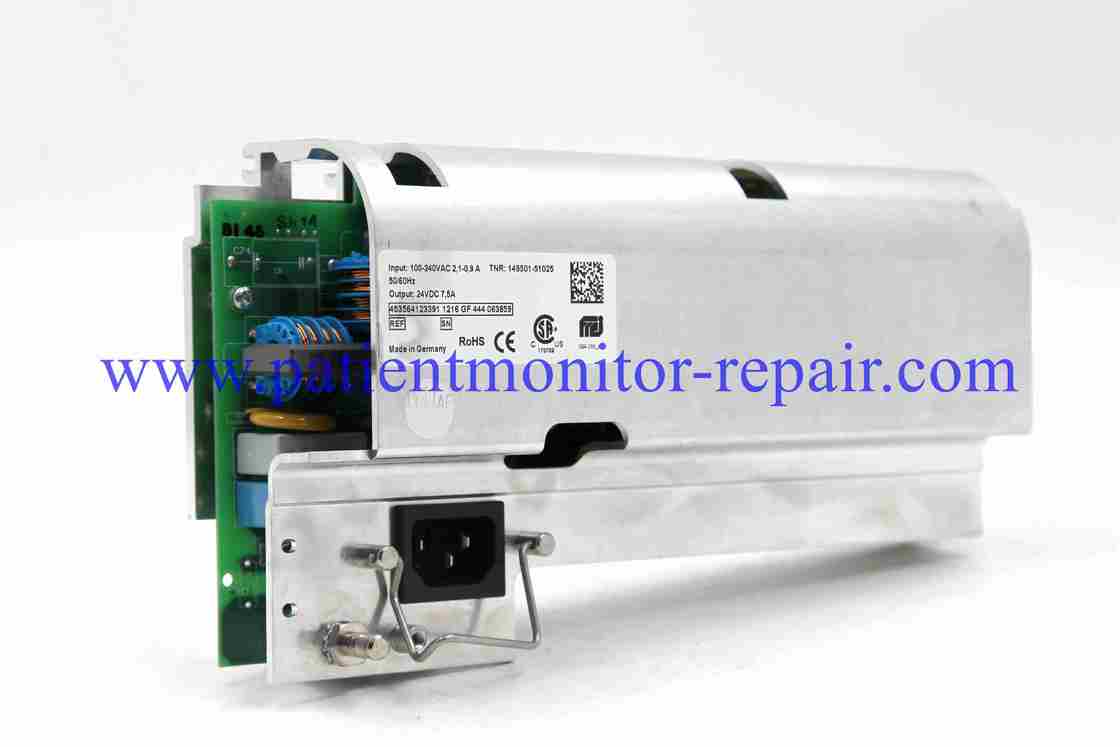
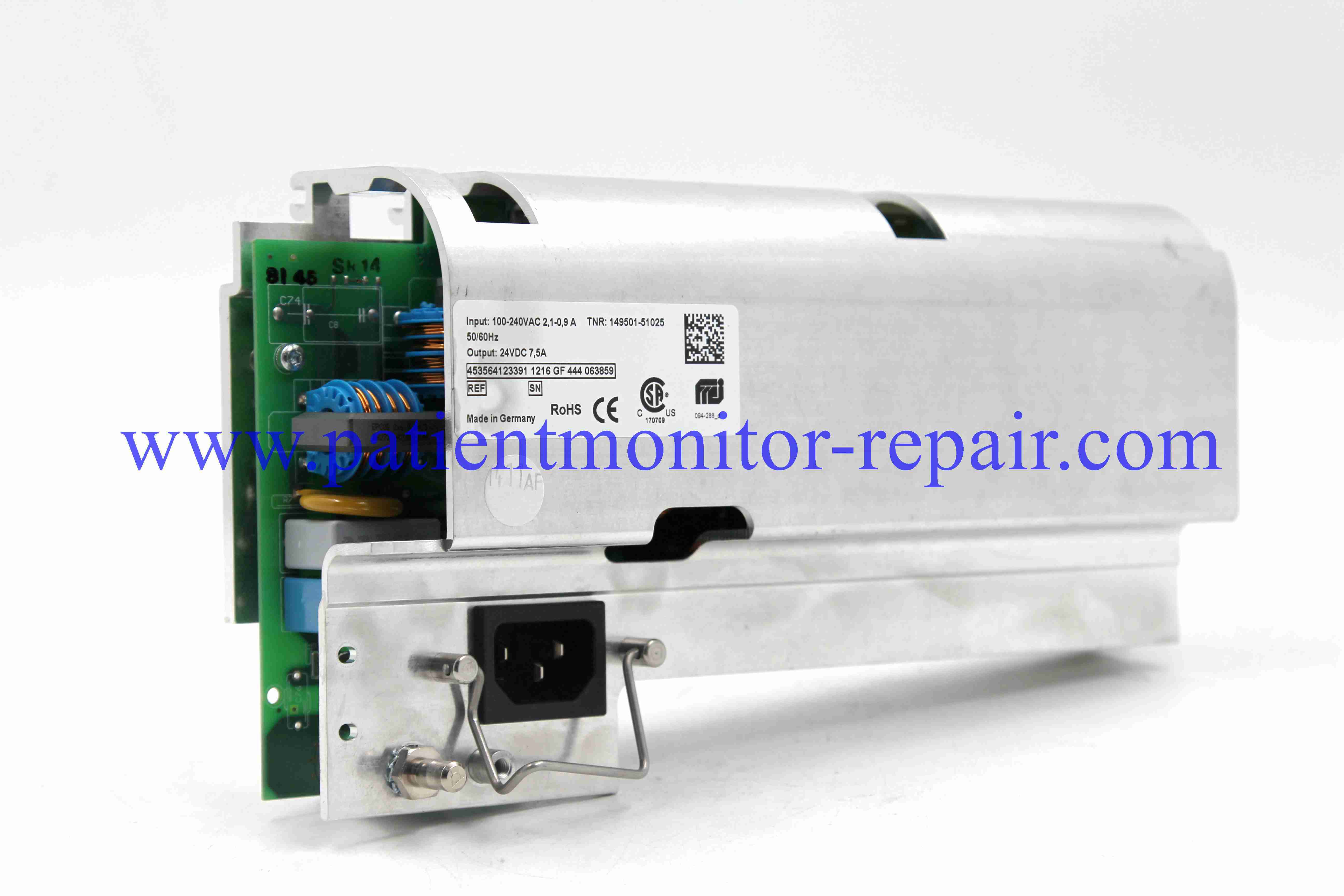
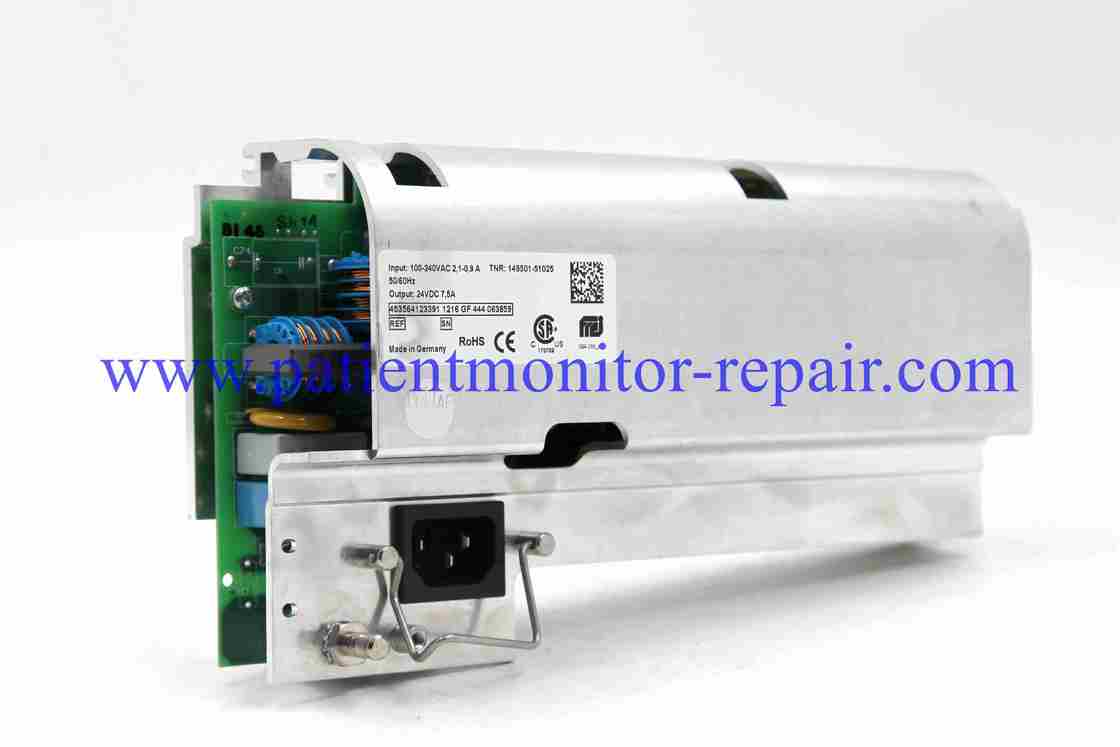
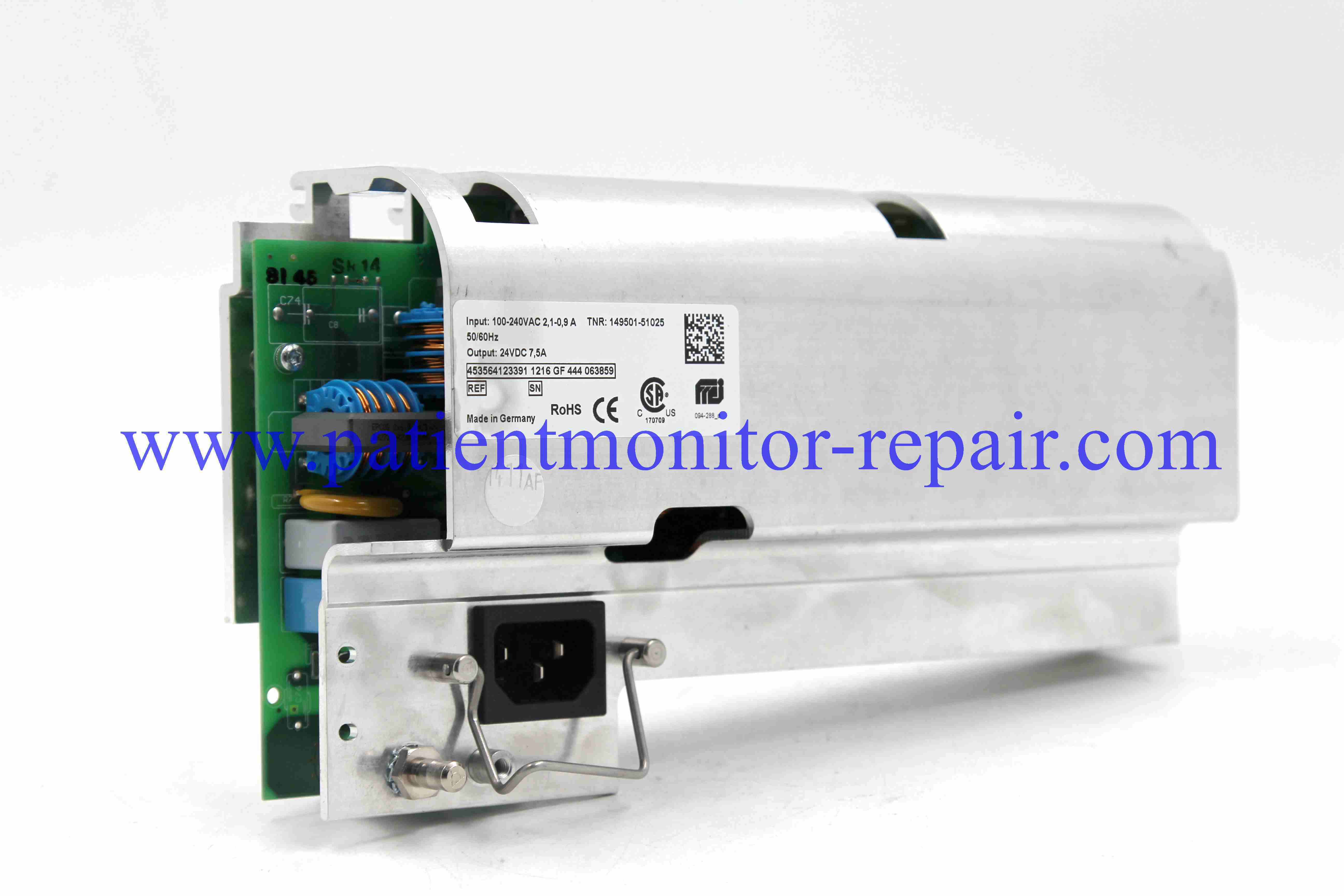
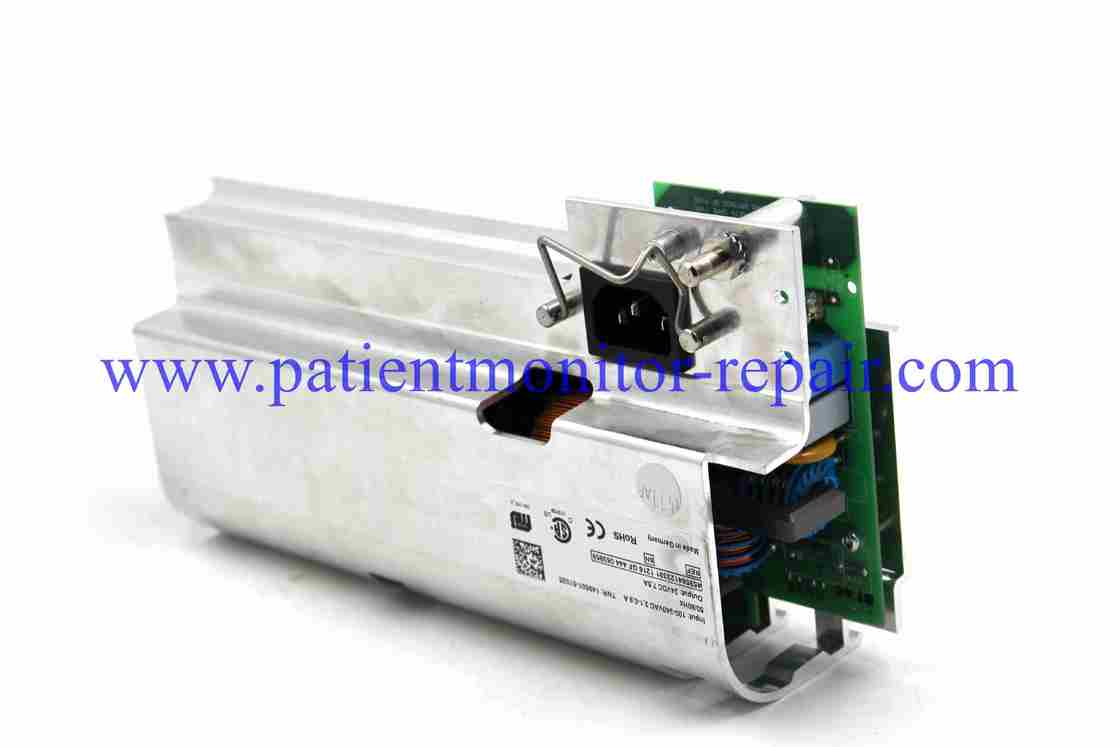
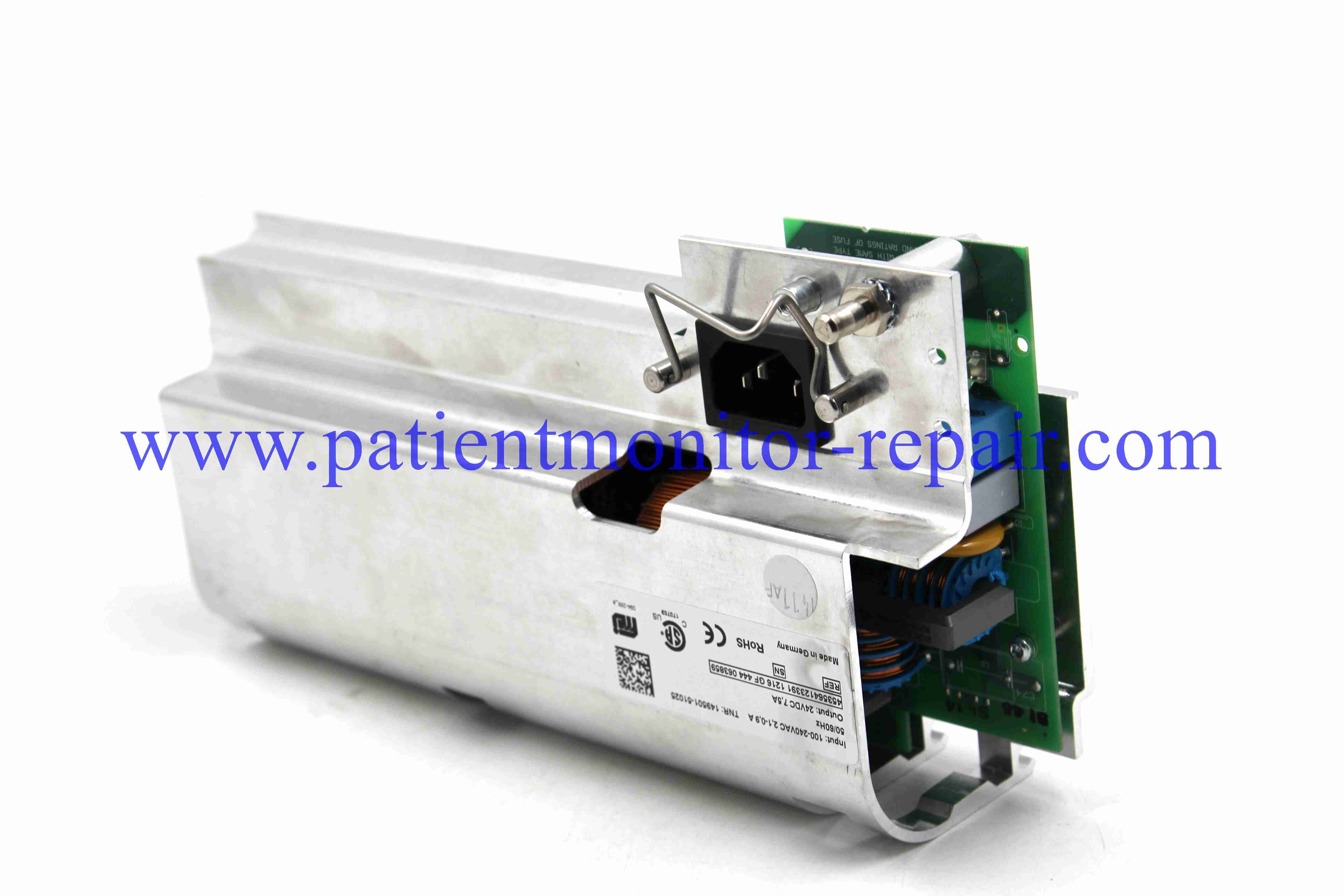
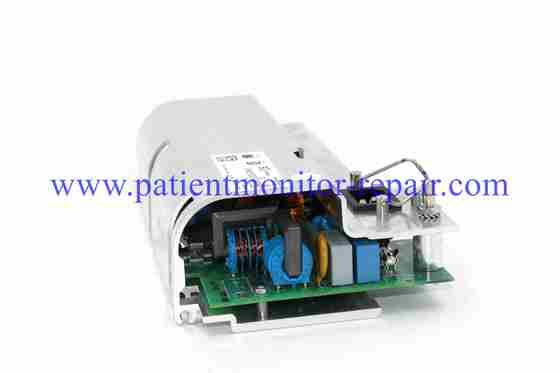
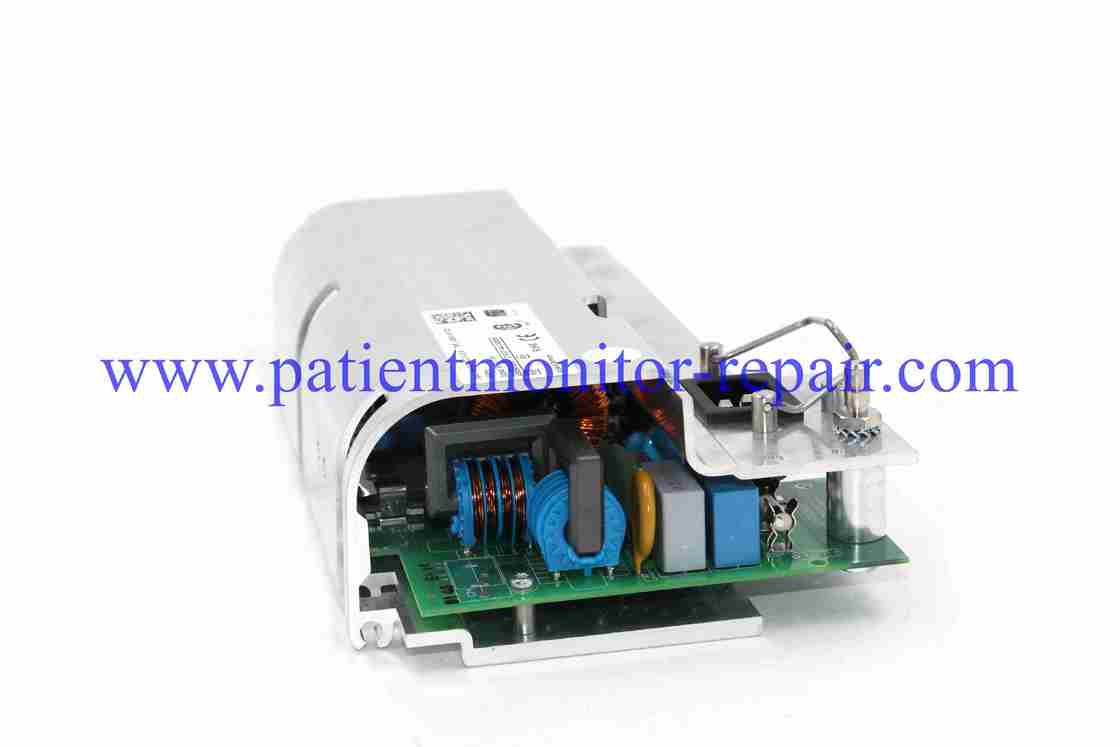
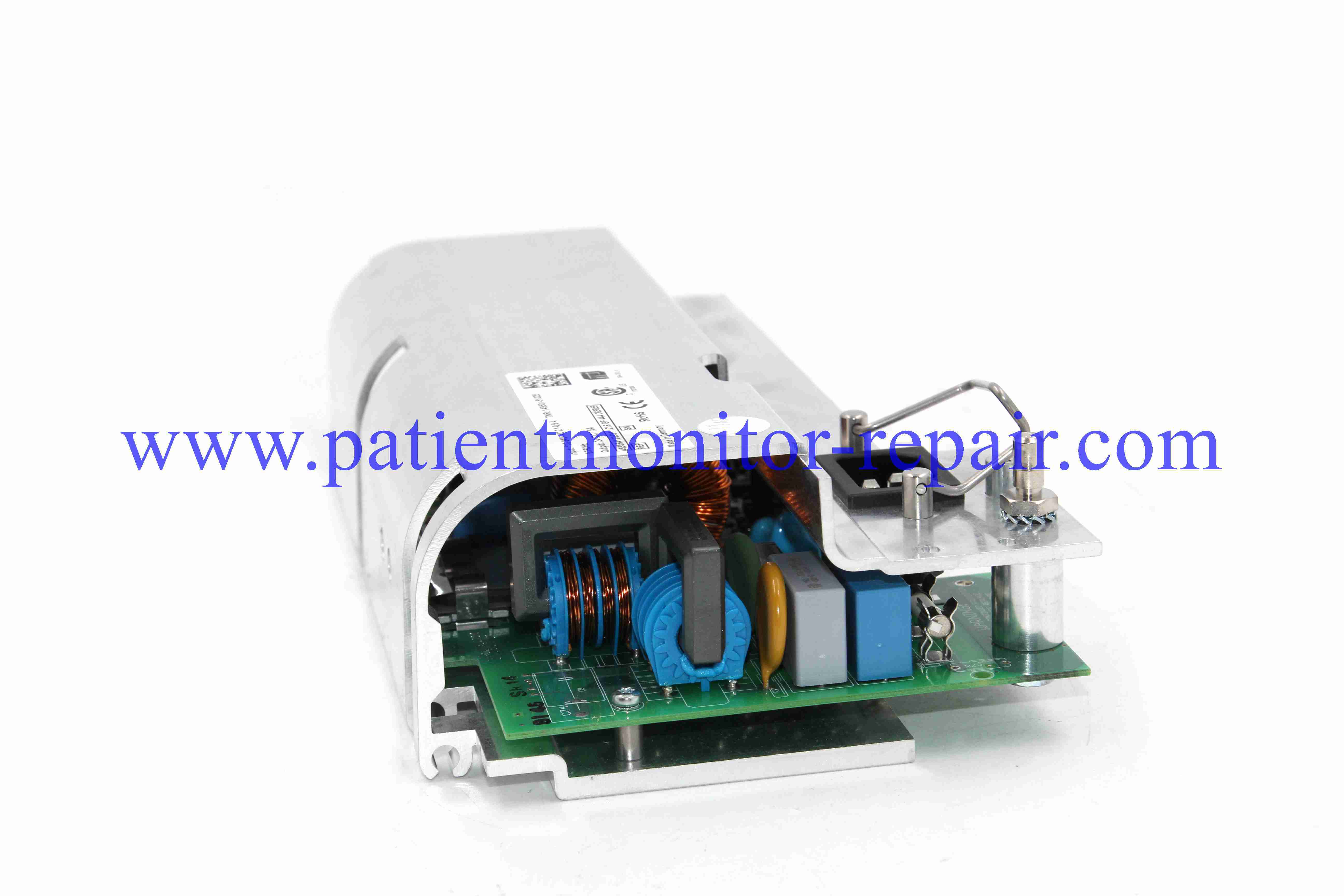
Power Supply MX700 REF TNR 149501-5102 Use For Patient Monitor HeartStart XL+

Product Details:
Brand Name: HeartStart XL+
Model Number: MX700
Payment & Shipping Terms:
Minimum Order Quantity: 1
Price: Negotation
Packaging Details: Carton Packing
Delivery Time: 1-3 Working Days
Payment Terms: T/T, Western Union, PayPal
Supply Ability: 1-20 Pieces
  • Detail Information
  • Product Description

Detail Information

Product: Power Supply Transportations: DHL, FEDEX, UPS...
Quality: Excellent Payment: Paypal, T/T, Western Union
Warranty: 90 Days Delivery: 1-3 Work Days
Mdl: MX700 Compatibility: Compatible With MX700 Patient Monitor
Highlight:

Patient Monitor Power Supply MX700

,

HeartStart XL+ power supply

,

Power Supply REF TNR 149501-5102

Product Description

Here are the key features of the Power Supply MX700 described in English bullet points:


General Precautions for Using a Power Supply Unit

Power Supply MX700 REF TNR 149501-5102 Use For Patient Monitor HeartStart XL+ 0

Power Supply MX700 REF TNR 149501-5102 Use For Patient Monitor HeartStart XL+ 1


  • High Wattage Output: It provides a stable 700-watt power output, making it suitable for high-performance desktop computers with powerful components like advanced CPUs and GPUs.

  • 80 Plus Bronze Certification: This power supply is 80 Plus Bronze certified, ensuring at least 85% energy efficiency at typical loads. This reduces heat generation and lowers electricity costs.

  • Fully Modular Design: It features a fully modular cable design, allowing users to connect only the cables they need. This significantly improves airflow within the computer case and makes cable management much easier.

  • Silent 135mm Cooling Fan: Equipped with a large 135mm fan that operates quietly under normal conditions. It often includes a semi-passive or silent mode, where the fan stops completely at low to medium loads for zero noise.

  • High-Quality Japanese Capacitors: Utilizes reliable 105°C Japanese capacitors, which are known for their durability, stability, and longer lifespan, ensuring consistent performance over time.

  • Comprehensive Protections: Includes multiple built-in protection features such as Over Voltage Protection (OVP), Under Voltage Protection (UVP), Over Power Protection (OPP), Over Current Protection (OCP), and Short Circuit Protection (SCP) to safeguard your valuable computer components.

  • ATX Standard Compliance: Designed to meet the ATX standard, ensuring broad compatibility with most modern desktop computer cases and motherboards.

  • Multiple Connectors: Comes with a wide array of connectors to support various components, including a 24-pin ATX, 8-pin EPS (CPU), multiple PCIe (for graphics cards), SATA, and Molex connectors.

  • Check Voltage Compatibility: Before connecting to a wall outlet, ensure the PSU's voltage rating matches your local power supply (e.g., 110V/120V in North America vs. 220V/240V in many other regions). Using an incorrect voltage can damage the unit.

  • Ensure Proper Ventilation and Clearance: Install the PSU in a well-ventilated case with the fan (if it has one) unobstructed. Do not block its air intake or exhaust, as overheating can reduce performance, cause shutdowns, or even become a fire risk.

  • Use the Correct Power Cables: Always use the power cord that came with the unit or a certified replacement. For modular PSUs, ensure the cables are specifically designed for that exact model. Mixing cables from different PSUs can cause short circuits and severe damage to your components.

  • Avoid Overloading: Do not connect devices that draw more total power than the PSU's maximum rated wattage (e.g., 700W for the MX700). An overload can cause the system to become unstable or trigger the PSU's protection features.

  • Power Down Before Handling: Always turn off and unplug the power supply from the wall outlet before installing, removing, or connecting any cables inside your computer.

Get in touch with us

Enter Your Message

You Might Be Into These